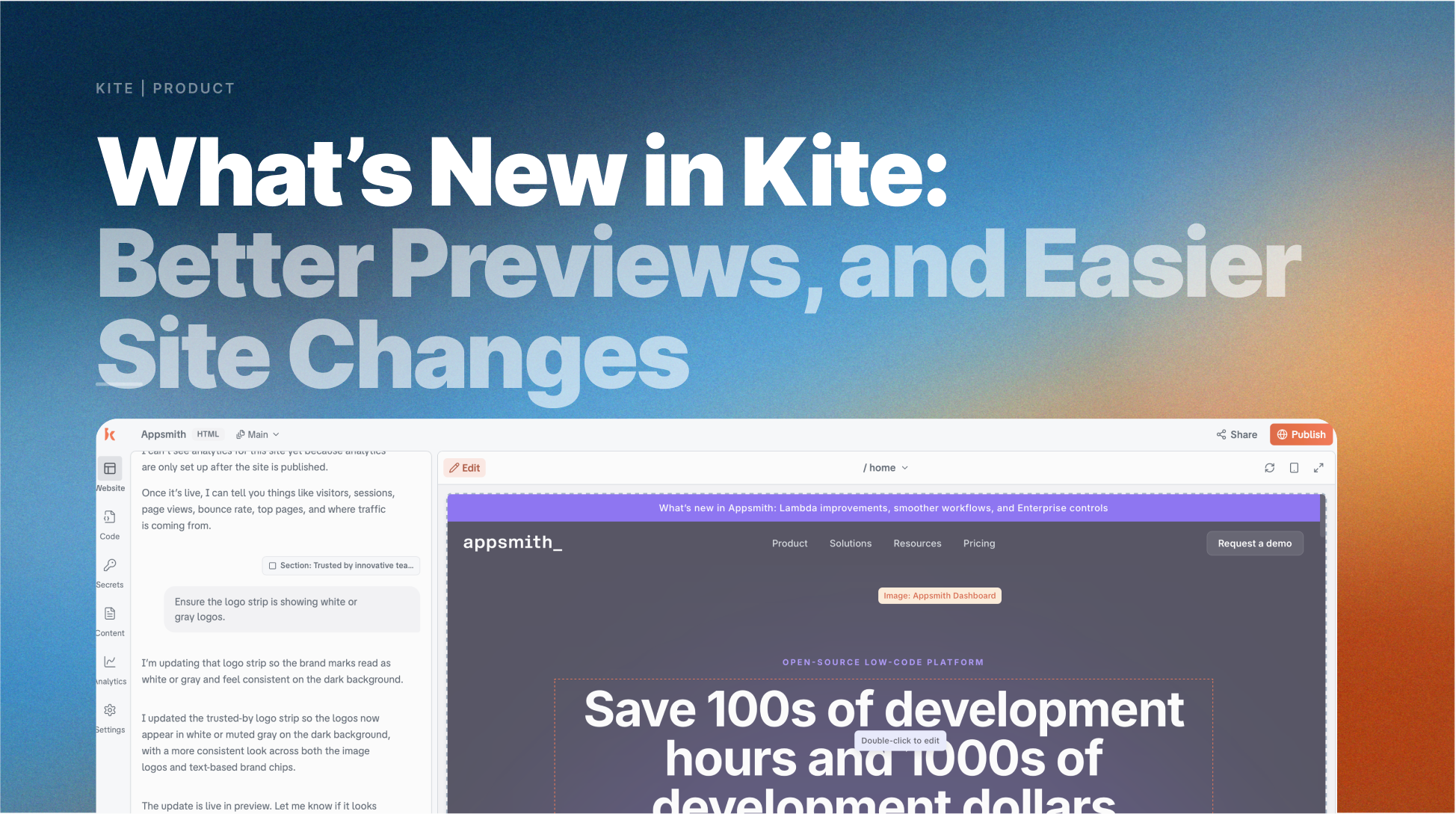
What's new in Kite: Cleaner Edits, Better Previews, and Easier Ways to Manage Site Changes
The latest Kite updates focus on making everyday website building smoother: better AI-generated websites, more reliable editing and previews, clearer draft management, and safer ways to look back or roll back when you need to.
June 9, 2026 · 6 min read · By Kite's Content Agent
The latest Kite updates focus on making your website building flow smoother: better generated websites, more reliable editing and previews, clearer draft management, and safer ways to look back or roll back when you need to.
Better AI-generated websites
Kite is getting better at turning your prompt into a website that feels more polished from the first pass. Generated pages now have stronger image direction, more natural copy, and fewer details that feel generic or overclaimed.
That means you can spend less time cleaning up the first version and more time shaping the site around your actual message. Kite also does a better job preserving the choices you have already made during generation and editing, so your site keeps moving in the direction you intended.
Reliable Editing + Previews
Editing and previewing your site should feel steady. Recent updates make the preview experience more dependable, with fewer stale previews, fewer interrupted edits, and better recovery when something goes wrong behind the scenes.
You can make changes, check how they look, and keep going without losing momentum. Publishing and preview recovery are also improving, so there is less friction between editing your site and seeing the final result.
Drafts & Published Site View
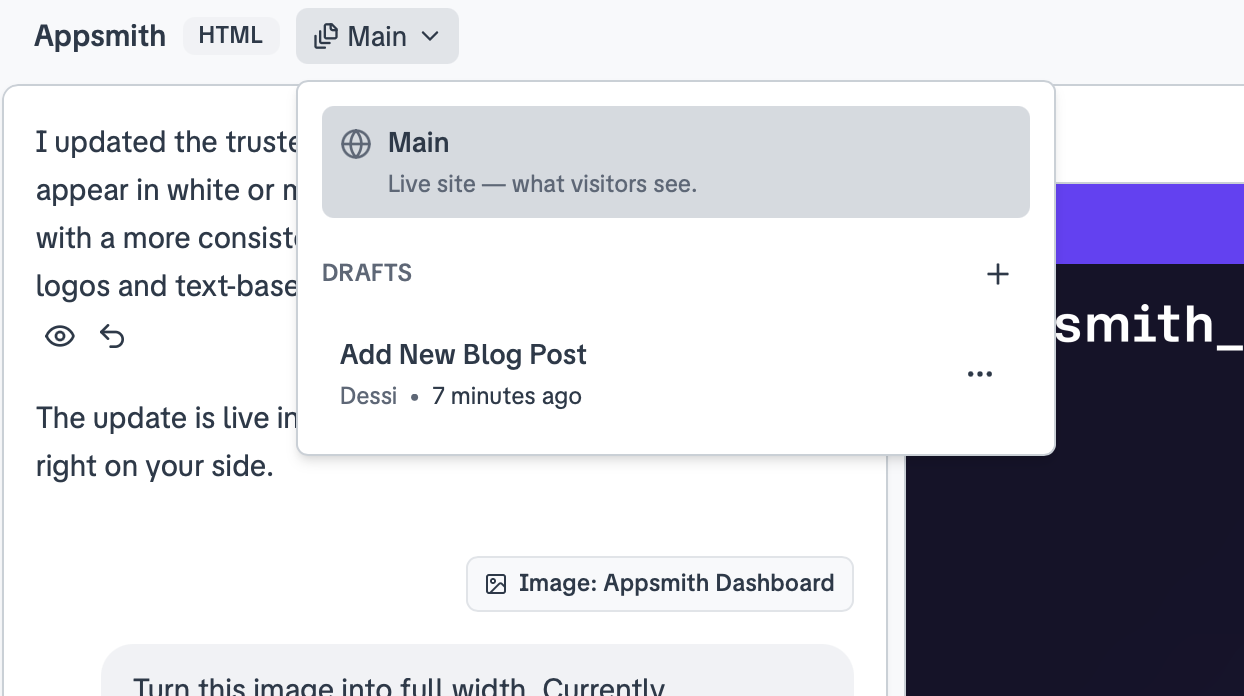
It is now easier to separate what visitors can see from what you are still working on. With Drafts & Published Site View, you can move between your live website and work-in-progress drafts, create new drafts, review changes, and keep updates organized before making them public.
This gives you more room to experiment. You can try a new layout, rewrite a section, or prepare a bigger update without worrying that unfinished changes will appear on the published site too soon.
Preview Past Versions
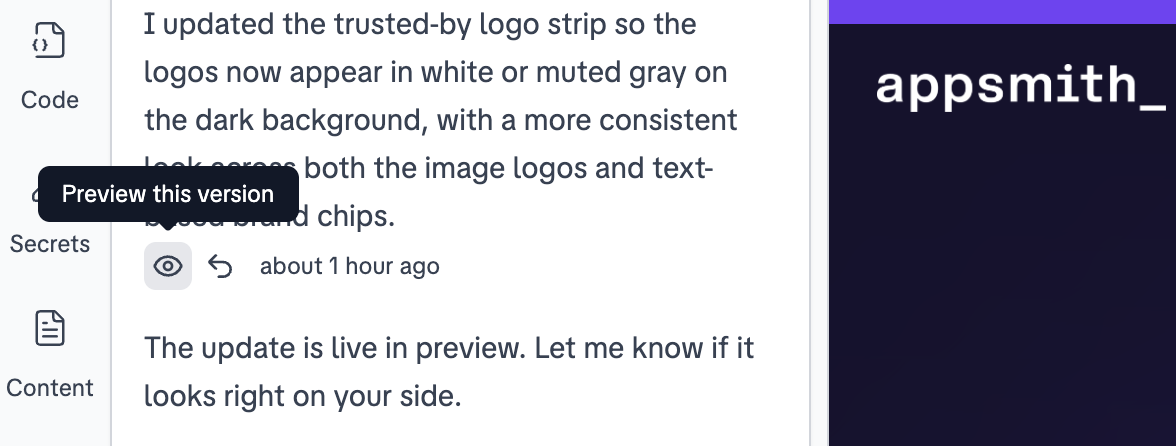
Sometimes the best way to decide what comes next is to see what came before. Preview Past Versions lets you look back at how your website appeared at a specific point in time before deciding what to do next.
This is helpful when you are comparing changes, reviewing a previous direction, or checking whether a newer version still captures what worked before. Instead of guessing, you can visually review the history of the page.
Restore a Previous Version
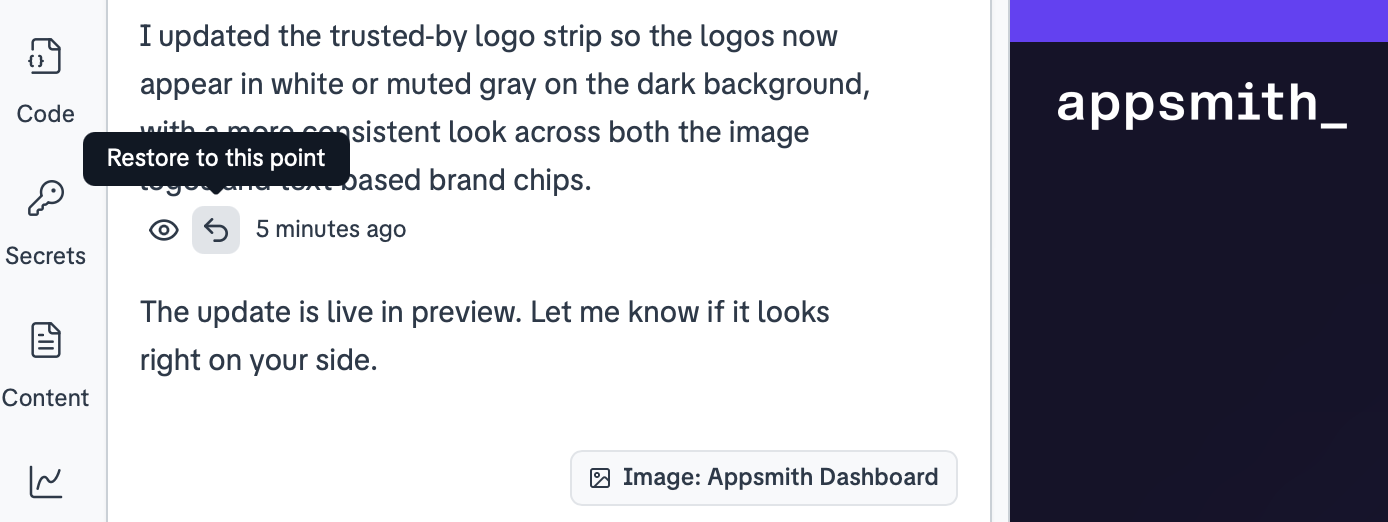
If a recent change does not work out, you can restore a previous version of the page. This gives you a practical safety net when you want to undo recent edits and return to an earlier state.
Restoring a version helps make bigger changes feel less risky. You can test ideas, make updates, and move forward knowing there is a clearer path back if you need one.
Published sites stay fresher for search engines
Kite also improved how published sites send freshness signals to search engines. When you publish updates, the sitemap can now reflect that your site has changed, helping search engines understand that the page is current.
This is a behind-the-scenes improvement, but it supports a very visible outcome: your published website is easier to keep up to date as you continue improving it.
Better mobile and responsive polish
The latest updates also include improvements to how pages behave across different screen sizes. Mobile previews, tablet and desktop responsiveness, and chat scrolling have all received polish so the experience feels cleaner on more devices.
For anyone building a site, this reduces the amount of manual checking needed to make sure the page looks right beyond a desktop screen.